
The #1 Keyless Executor
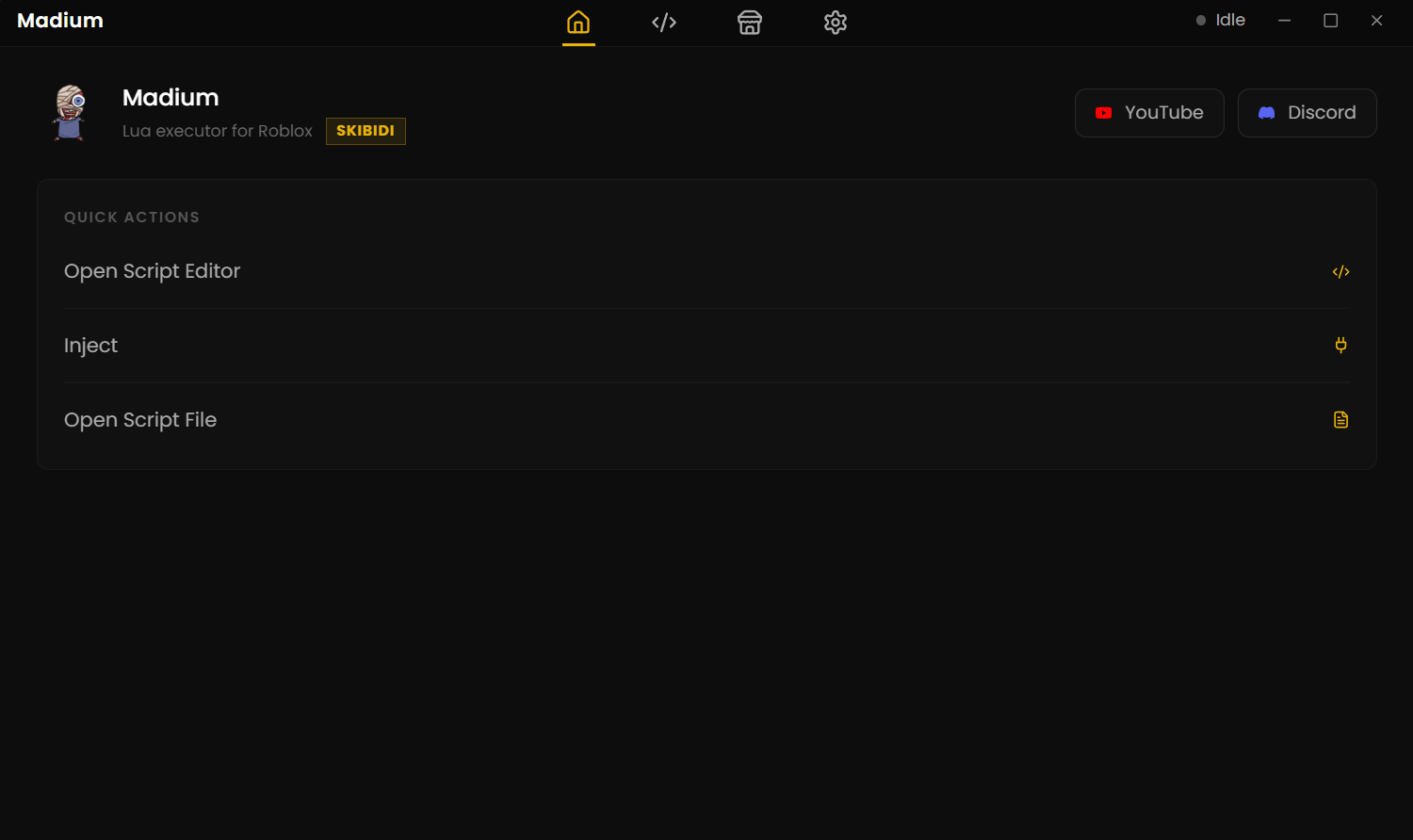
Madium is a lightweight desktop utility for Windows designed to give Roblox developers and players a smooth, reliable script execution environment. Built around an intuitive code editor with process auto-attach and minimal CPU overhead, Madium simplifies running, editing, and organizing Luau scripts without the bloat or key system hassles of traditional software.
The short
answer.
Madium is a Windows-focused script execution tool designed to give Roblox developers and players a seamless, high-performance workspace. Built to eliminate the clunky navigation, unwanted software, and repetitive key checkpoints common in standard utilities, Madium pairs an intuitive code editor with fast process attachment and minimal hardware usage. Whether you are building custom tools, organizing scripts, or running community hubs, Madium delivers a reliable and efficient experience from launch to execution.
Built around the
workflow.
Engineered to eliminate clutter and key system friction while delivering top-tier performance for Roblox developers and execution power users.
Execute without boundaries.
Boasting a high Universal Naming Convention (UNC) score, Madium smoothly runs complex multi-threaded scripts, auto-farms, and community hubs like Infinite Yield without syntax errors or crashes.
Zero key checkpoints.
Skip tedious ad links and verification tasks. Madium launches instantly with a lightweight resource footprint that keeps game FPS smooth.
Monaco Code Editor
Enjoy VS Code-style syntax highlighting, auto-completion, multi-tabbing, and custom settings like bracket colorization.
Auto-Attach & Inject
Automatically detect and link to active Roblox instances for quick, single-click script injection without manual process searching.
Built-in Script Library
Browse, save, and execute verified scripts directly inside the application workspace with the integrated Finder panel.
How to install Madium.
Get started in under two minutes with our streamlined setup process. Follow these straightforward steps to configure Madium on your system.
Download & Extract
Download the official ZIP archive and extract all files into an easily accessible directory.
Close Roblox
Ensure all active Roblox instances and client processes are fully closed before initializing setup.
Run the Launcher
Execute madium launcher.exe to automatically fetch and configure core runtime dependencies.
Launch & Script
Open the main application, attach to your game instance, and begin executing your Luau scripts.
Minimal PC requirements.
The source site says the application requires very modest hardware.
Windows 10 / 11
2 GB
1.5 GHz
DirectX compatible
Tested & proven
results.
To check the capability of Madium Executor, extensive tests were conducted—and the performance results speak for themselves.
UNC Test Score
High Universal Naming Convention compatibility lets you run virtually all scripts and hubs online seamlessly.
sUNC Test Score
Achieved zero failures on the strict sUNC benchmark test for maximum engine reliability.
Vulnerability Scan
Completely clean. Passed all virus and vulnerability scans for total safety during execution.